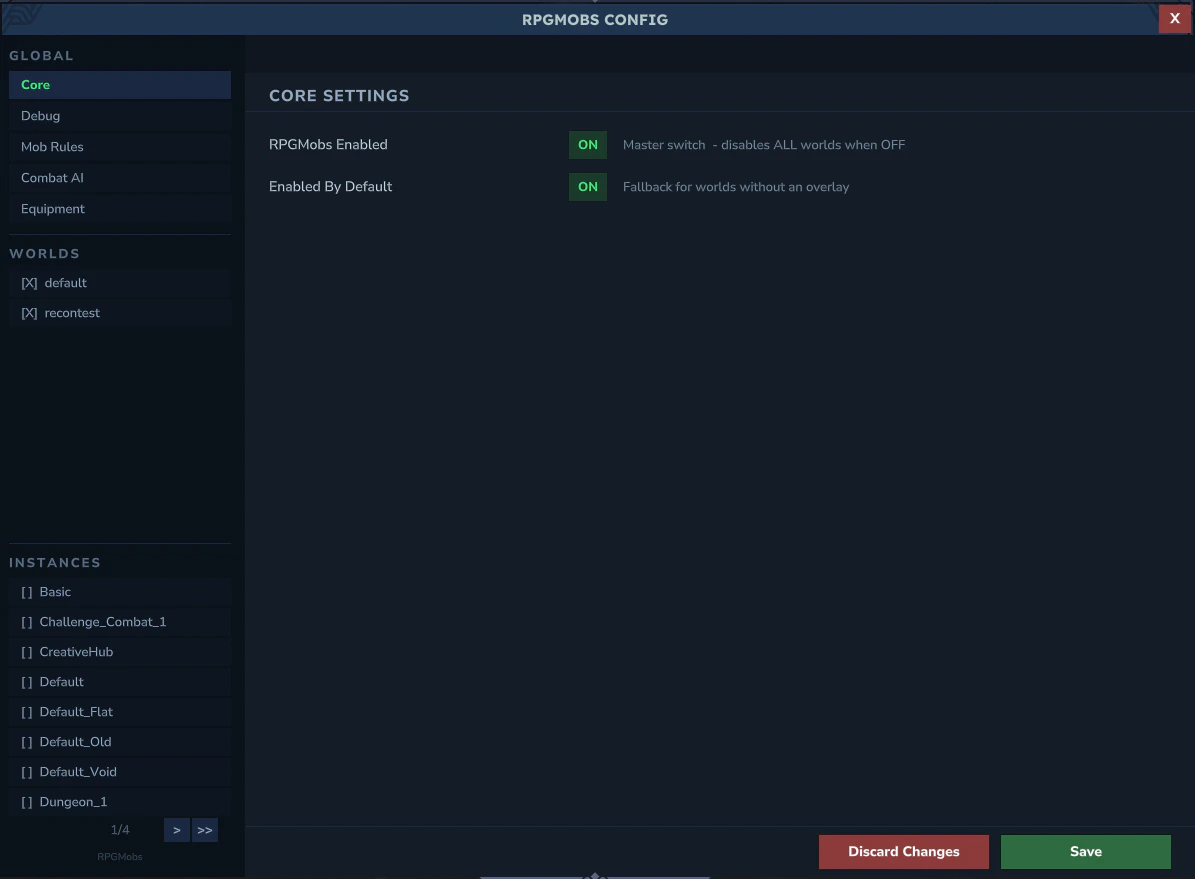
Opening the Admin UI
rpgmobs.config permission. The Admin UI opens as a full-screen panel.
Sidebar Navigation
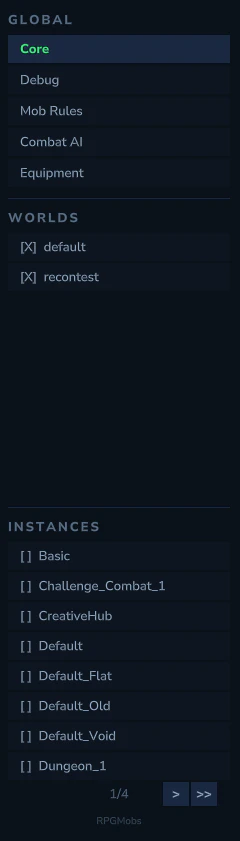
The left sidebar has 4 sections:
Selecting a world or instance loads its overlay for editing. When you switch to a different world, your pending edits are automatically stashed and restored when you return.
Sub-Tabs
Each world/instance overlay has 8 sub-tabs. Click through to each page for details:Global Config
When selecting Global Core in the sidebar, 3 sub-tabs appear for managing equipment configuration that applies to all worlds. See Global Config for details.Save & Discard
- Yellow markers indicate unsaved changes (current state vs. what is on disk)
- Green markers indicate changes from the applied template/base
- Save writes ALL pending overlays (including stashed ones from other worlds), not just the active one
- Discard reverts to the last saved state, preserving UI navigation (tree position, expanded panels, pages)
Popups
NPC Picker
Modal popup for selecting NPC role IDs. Includes search filtering, pagination, and a custom ID entry field for non-standard NPCs. NPCs already used in the current context are automatically excluded.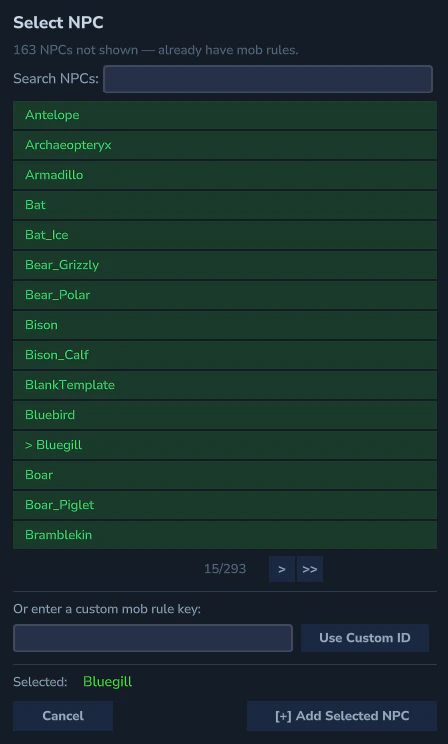
Item Picker
Modal popup for selecting item IDs with item icon previews. Includes search filtering, pagination, and a custom ID entry field.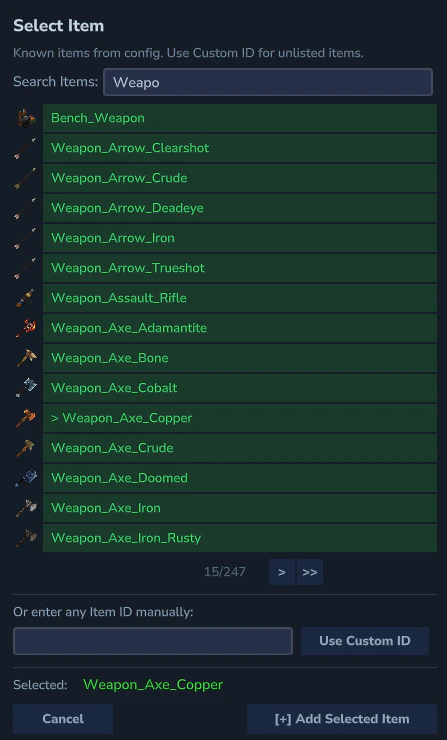
Rename Popup
Text field for renaming tree items or categories.Move Popup
Breadcrumb-navigated category selector for moving items between categories. Prevents moving a category into itself or its descendants.Category Peek
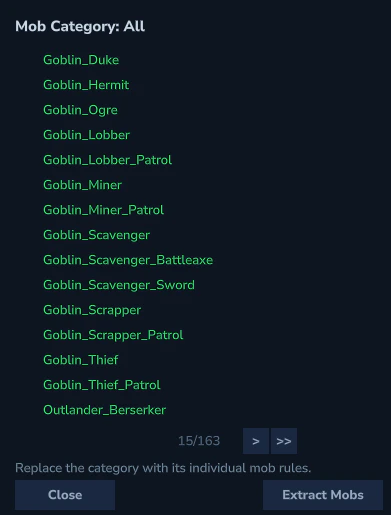
View the contents of a category without navigating to it. Appears when clicking[>] on category references in ability linked mobs, loot template linked mobs, or weapon/armor category links.